 Nicholai
75168f7678
Nicholai
75168f7678
structure:
  state/CURRENT.md — 2-4 line session state (rewritten each session)
  events/ — json event bus (pull-based, optional context)
  persistent/ — important decisions (one doc per decision)
  emit — helper script for emitting events
23 KiB
The Complete Practical Guide to Memes in Markdown Blog Posts
A comprehensive toolbox for creating textual and image memes in Markdown-based blogs (MkDocs, Jekyll, Hugo, Astro, etc.)
📖 Table of Contents
- Why Markdown for Memes?
- Core Markdown Techniques
- Layout Patterns for Text Memes
- Textual Meme Formats
- Image Memes via Pure URL
- Mixing Text + Image Memes
- Advanced Features
- Production Tips
- Complete Blog Example
🎯 Why Markdown for Memes?
Markdown is deceptively powerful for meme creation:
- Preserves formatting - Code blocks maintain spacing, ASCII art, and alignment
- Readable source - Plain text is portable and version-controllable
- Native structure - Blockquotes, emphasis, and spacing create rhythm naturally
- No uploads needed - Text memes live in your content, image memes via URL
- Accessible - Screen readers handle text better than image-text
- Fast - No external dependencies for textual memes
With a few tricks—code fences, blockquotes, emphasis, spacing—you can reproduce nearly any textual meme format inside a blog post.
🧱 Core Markdown Techniques
Master these building blocks first:
✅ Code Fences
Use triple backticks to preserve whitespace, arrows, emoji alignment, ASCII art, and raw text.
```text
>be me
>perfect spacing preserved
>mfw markdown just works
```
Use for: Greentext, ASCII art, chat logs, anything needing exact spacing.
✅ Blockquotes
Use > for layered dialogue (Tumblr chains, ironic replies, greentext variants).
> Person A: this is fine
>> Person B: no it's not
>>> Person C: *concern intensifies*
Use for: Tumblr chains, Twitter-style replies, nested irony.
✅ Hard Line Breaks
Two spaces at end of line or <br> for poetic timing.
roses are red
markdown is neat
two trailing spaces
make formatting sweet
Use for: Poetry, dramatic pauses, controlled pacing.
✅ Horizontal Rules
Use --- to reset comedic pacing or transition between bits.
this joke is good

---

this joke is completely unrelated
Use for: Section breaks, punchline separation, tempo control.
✅ Emphasis
Use *italics* and **bold** to simulate tone, stage directions, or emotional beats.
**me:** i'm fine
*narrator:* he was not fine
Use for: Stage directions, emphasis, emotional subtext.
🎨 Layout Patterns for Text Memes
✅ Choose a Meme Container
Each meme should have a clear "block" form for readability:
- Code block - Greentext, ASCII art, chat logs
- Blockquote - Tumblr chains, Twitter style
- Heading + narrative - Reddit AITA/TIFU, fake documentation
- List - Corporate satire, fake legal notices
- Plain paragraph - Emojicore, slang mutations
✅ Aim for Three Layers
Good textual memes read as:
- Setup - Establish context
- Pattern / Rhythm - Build expectation
- Punchline or twist - Subvert or amplify
✅ Use Spacing as a Comedic Tool
Memes breathe through white space. Don't be afraid to isolate lines.
this is fine

this is also fine

*nothing is fine*
📝 Textual Meme Formats
💚 1. Greentext
Requirements: Code fence with literal > characters
How to do it:
```text
>be me
>writing markdown memes
>turn blog into 4chan but cleaner
>mfw it actually works
```
Renders as:
>be me
>writing markdown memes
>turn blog into 4chan but cleaner
>mfw it actually works
Tips:
- Keep sentence fragments
- Use anticlimax for humor
- Monospace evokes "anon culture" immediately
- Works great for technical narratives
📦 2. Copypasta (Dramatic Walls of Text)
Requirements: Code fence for preservation
How to do it:
```text
What the fuck did you just fucking say about Markdown, you little bitch?
I'll have you know I graduated top of my class in the Navy Seals of Documentation,
and I've been involved in numerous secret raids on WordPress blogs...
```
Tips:
- Let it be long - that's the point
- Overblown emotion is essential
- Preserve original formatting for authenticity
- Consider using collapsible sections for very long copypastas
✍️ 3. Shitpost Poetry & Micro-poems
Requirements: Hard line breaks (two spaces or <br>)
How to do it:
roses are red
markdown is sly
press two spaces
to force a new line

violets are blue
syntax highlighting is lit
code fences preserve
every last bit
Tips:
- Lean into minimalism
- Add
<br>if a theme strips trailing whitespace - Break expectations with sudden philosophical turns
- Lowercase adds casual authenticity
🅰️ 4. ASCII Art & ASCII Storytelling
Requirements: Monospaced code fence
How to do it:
```text
(╯°□°)╯︵ ┻━┻
┬─┬ノ( º _ ºノ)

    ___
   /   \
  | o o |  <- me reading documentation
   \___/
    |||
```
Tips:
- Use
textor no language to avoid syntax coloring - Test in multiple fonts
- Center using HTML
<div align="center">if needed - Keep it simple for broad compatibility
🌀 5. Surreal / Absurdist Text Memes
Requirements: Markdown + strategic spacing
How to do it:
you awaken in the hallway of beans

the moon whispers: *not again*

---

**OPTION 1:** accept the beans
**OPTION 2:** become the beans

you choose Option 3

*there was no Option 3*
Tips:
- Use italics for dream-logic emphasis
- Insert
---to create uncanny jumps - Be playful with lowercase/capitalization
- Treat whitespace as tension
🗨️ 6. Tumblrisms (Multi-Speaker Chains)
Requirements: Nested blockquotes
How to do it:
> **Person A:** frogs are neat
>> **Person B:** frogs are powerful
>>> **Person C:** I aspire to frog
>>>> **Person D:** this post is making me lose my mind
>>>>> **Person A:** good
Tips:
- Increase
>depth to show escalation - Add italics for emotional chaos
- Bold names for clarity
- Peak at 5 levels deep for readability
🐦 7. Twitter / X-style Micro-memes
Requirements: Blockquote or plain markdown
How to do it:
> me: i'm productive
> also me: alphabetizes rocks by emotional energy

---

**me at 3am:** what if bread could read

**bread:** *softly* "help"
Tips:
- Keep it tight (2–4 lines)
- Use italics for "stage directions"
- Short exaggeration = comedy
- Em dash works great: "me: — also me:"
🧾 8. Reddit AITA / TIFU / Narrative Memes
Requirements: Markdown headings + paragraphs
How to do it:
### TIFU by enabling Markdown features too much

**Context:** I work in documentation.

**What Happened:** Today I formatted a shopping list with H3 headings,
bullet points, and citation links. My family staged an intervention.

**Update:** They've hidden the Markdown guide. I'm formatting this from memory.

**AITA?**
Tips:
- Use headings for "post titles"
- Sincere tone + mild absurdity = gold
- Include typical Reddit formatting (bold labels)
- The more mundane the subject, the funnier
🗿 9. Wojak-style Dialogues (Text-Only)
Requirements: Bold names + minimal dialogue
How to do it:
**Doomer:** nothing matters
**Zoomer:** drink water bro
**Wojak:** *internal screaming*
**Chad:** have you tried not caring
**Doomer:** ...wait that's actually helpful
**Chad:** i know
Tips:
- Keep dialogue short
- Rely on archetypes for instant recognition
- Tone = half-honest, half-ironic
- Works great in code blocks too
💬 10. Discord / Chat Log Memes
Requirements: Code fence with timestamp format
How to do it:
```text
[12:41] user123: you up?
[12:42] system: error: feelings.exe not found
[12:42] user123: same
[12:43] bot: did you try turning your emotions off and on again?
[12:44] user123: yes
[12:44] system: critical error: emotions.dll missing since 2019
```
Tips:
- Timestamps add realism
- Use usernames to amplify the joke
- System messages = comedic gold
- Maintain deadpan delivery
😀 11. Emojicore Memes
Requirements: Just good spacing
How to do it:
🚶💨 leaving my responsibilities

😔👉👈 wondering if coffee counts as a personality

🎯 hitting the target (the target is rock bottom)

✨ manifesting ✨ (chaos)
Tips:
- Use emojis as syntax, not decoration
- Vertical stacking works great
- Pair emoji with understated text
- Less is more
📚 12. Fake Wiki / Manual Pages
Requirements: Markdown headings + bold labels
How to do it:
## Bread.exe

**Category:** Deprecated Carbohydrate
**Status:** Unstable
**Introduced:** ~8000 BCE
**Last Update:** Never

### Known Issues

- Becomes stale without manual intervention
- Incompatible with lactose-intolerant systems
- Memory leak when toasted incorrectly

### Workarounds

See: `butter.dll` documentation
Tips:
- Keep the tone pseudo-academic
- Use definition-style formatting
- Technical jargon for mundane objects = peak comedy
- Cross-reference other fake docs
🐕 13. Slang-Mutation Text Memes
Requirements: Markdown paragraphs with stylized orthography
How to do it:
how 2 markdown:

1. make text smol
2. add sparklez ✨
3. u done it

**congrations** u did a format

no take backsies
Tips:
- Lean into childlike spelling
- Use emoji to exaggerate tone
- Mix formal structure (lists) with informal language
- "Congrations" beats "congratulations" every time
👶 14. ELI5 But Wrong
Requirements: Heading + confident incorrect explanation
How to do it:
### ELI5: Why do volcanoes erupt?

Volcanoes are mountains that get too excited and sneeze the earth.
The rocks fly out because they want to be birds but forgot how.
This is called "geology."

**Follow-up:** Why is lava hot?

Because it's embarrassed about the whole situation.
Tips:
- Confidence + incorrectness = humor
- Keep explanation "plausible" sounding
- Use actual ELI5 structure for authenticity
- Works great for tech concepts too
📄 15. Corporate / Legalese Satire
Requirements: Lists + bold labels
How to do it:
## Notice of Emotional Noncompliance

**Issued to:** You
**Date:** Whenever
**Reason:** Your vibe is irregular

### Required Actions

- [ ] Submit Form 42-B "Vibe Correction Protocol" within 5 business days
- [ ] Attend mandatory "Feeling Feelings Appropriately" training
- [ ] Provide written documentation of three (3) genuine smiles

**Failure to comply will result in:**

1. Passive-aggressive Slack messages
2. A pizza party (no pizza will be provided)
3. Being asked to "circle back" indefinitely

---

*This notice has been automatically generated by the Department of Vibes.*
Tips:
- Official tone for trivial things
- Short, concise bullet points increase contrast
- Use checkboxes for "action items"
- Footer disclaimers are pure gold
🖼️ Image Memes via Pure URL
Sometimes you want a visual punchline next to your textual meme. With memegen.link, you can generate classic image memes just by crafting a URL—no uploads, no editors. Then embed it in your Markdown with standard image syntax.
🚀 Quick Start
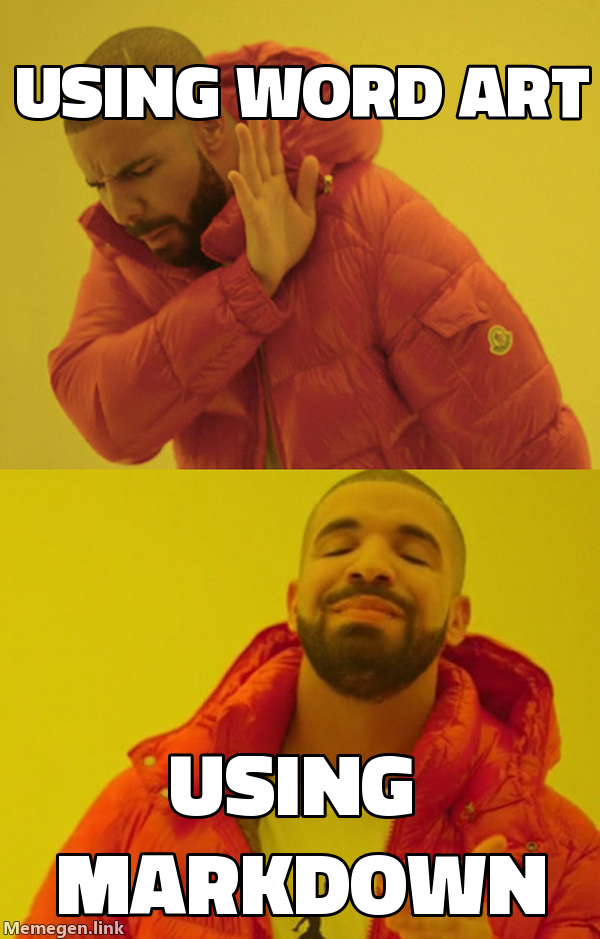
That's it—your post renders the Drake format with top "using word art" and bottom "using markdown".
🔧 URL Anatomy
https://api.memegen.link/images/{template}/{top_text}/{bottom_text}.{ext}?{options}
Components:
template: meme name (e.g.,drake,two-buttons,distracted-boyfriend)top_text/bottom_text: your captionsext:png(default),jpg, orwebp(good for lighter pages)options: query params (e.g.,font,width,watermark)
Example:

📝 Text Encoding Cheatsheet
Memegen uses compact encoding so URLs stay readable:
| Character | Encoding | Example |
|---|---|---|
| Space | _ |
hello world → hello_world |
| Hyphen | -- |
foo-bar → foo--bar |
| Underscore | __ |
foo_bar → foo__bar |
| Question mark | ~q |
why? → why~q |
| Percent | ~p |
50% → 50~p |
| Hash | ~h |
#tag → ~htag |
| Slash (literal) | ~s |
foo/bar → foo~sbar |
| Quotes | '' |
he said "hi" → he_said_''hi'' |
Line breaks: Use %0A (URL-encoded newline) inside a caption.
Example:
top_line%0Asecond_line
⚙️ Common Options (Query String)
Append with ? after the file extension:
?font=impact               # Default is already impact; try notosans
?width=600&height=600      # Size control; height optional
?watermark=none            # Remove tiny watermark
?background=URL            # Custom template; URL-encode it
Example:
🎭 Popular Templates
Quick reference for common meme formats:
| Template | Use Case |
|---|---|
drake |
Rejecting one thing, approving another |
two-buttons |
Difficult choice between two options |
distracted-boyfriend |
Being distracted by something new |
gru-plan |
Plan that goes wrong at the end |
change-my-mind |
Stating an opinion confidently |
mocking-spongebob |
Mocking someone's statement |
is-this-a-pigeon |
Misidentifying something obvious |
surprised-pikachu |
Shocked by predictable outcome |
success-kid |
Celebrating small victories |
uno-draw-25 |
Refusing to do something even if costly |
custom |
Use with ?background= for any image |
🎯 Blank Sides & One-Sided Captions
Leave a side blank with _ (single underscore).
Top only:

Bottom only:

📏 Multiline Captions
Use %0A for line breaks inside a side:

🎨 Custom Backgrounds (Brand or Screenshot)
Use the custom template + background parameter. The background must be publicly reachable.

Tip: Pair a screenshot of your app/graph as background to comment on it memetically in the post.
♿ Accessibility & SEO
Always provide descriptive alt text:
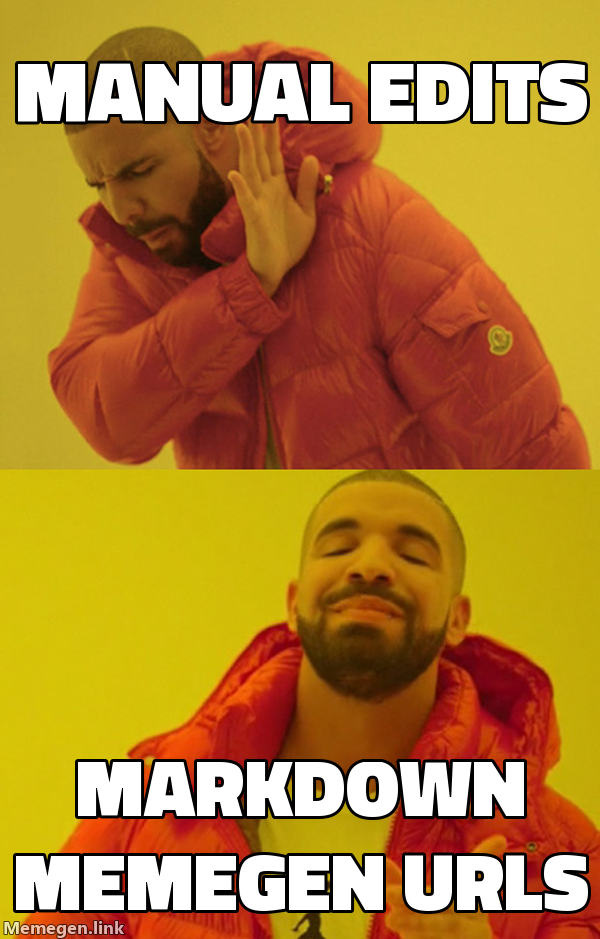
Screen readers will read your alt text, making the joke accessible to everyone.
📦 Quick Copy-Paste Recipes
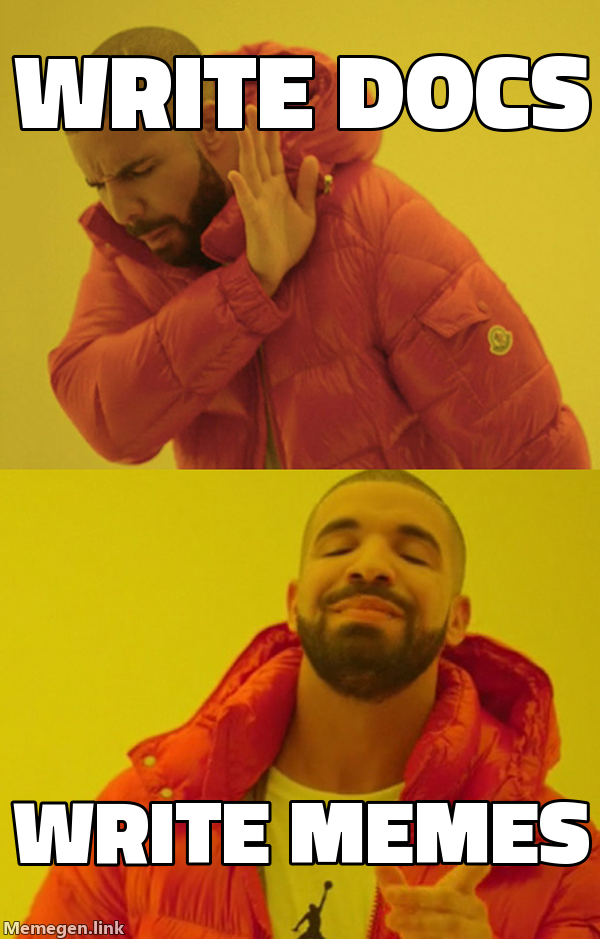
Drake (top/bottom):
Two Buttons (multiline with %0A):

Change My Mind (top only):

Surprised Pikachu (bottom only):

Custom background (brand screenshot):

🎭 Mixing Text + Image Memes
Blend text-only formats and image memes to pace a post effectively.
✅ Rhythm Pattern
1. Start with text to set up context:
### The Day I Realized Markdown Is Too Powerful

```text
>be me
>ship blog revamp
>marketing wants "fun"
>accidentally create meme culture
```
2. Follow with a visual to amplify the punchline:

3. Close with another text format for resolution:
**Status:** fun achieved
**Risk:** puns leaked to production
**Next Steps:** embrace chaos
✅ Strategic Placement
Good patterns:
- Greentext → Image → Corporate satire
- Tumblr chain → ASCII art → Image
- Chat log → Image → Shitpost poetry
Avoid:
- 5 images in a row (visual fatigue)
- 3 long copypastas back-to-back (reader exhaustion)
- Image without context (confusing)
✅ Complementary Pairs
Match text and image memes thematically:
| Text Format | Image Format | Why It Works |
|---|---|---|
| Greentext | Drake | Both are format-specific classics |
| Corporate satire | Two buttons | Amplifies "decision paralysis" theme |
| Chat log | Surprised Pikachu | Both capture reactions |
| Reddit AITA | Distracted boyfriend | Narrative + visual work together |
| Wojak dialogue | Custom background | Text provides context for visual |
🔥 Advanced Features
🎨 Custom CSS for Greentext (MkDocs / Hugo)
Add custom styling for greentext blocks:
.greentext {
  color: #789922;
  font-family: 'Courier New', monospace;
  background-color: #f0f0f0;
  padding: 1rem;
  border-left: 4px solid #789922;
}
Then wrap greentext in HTML:
<div class="greentext">

>be you
>styling markdown like a pro
>mfw it actually looks good

</div>
📢 Admonitions (MkDocs Material, Docusaurus)
Use admonition blocks for "official" memes or mock disclaimers:
!!! warning "System Alert"
    Your snacks have been revoked pending performance review.

!!! danger "Critical Error"
    `feelings.exe` has stopped responding.
    Would you like to send an error report? [Yes] [Yes]
🗂️ Collapsible Sections
Great for long copypastas and Tumblr chains:
<details>
<summary>Click to expand the legendary copypasta</summary>

What the fuck did you just fucking say about Markdown...
(rest of copypasta)

</details>
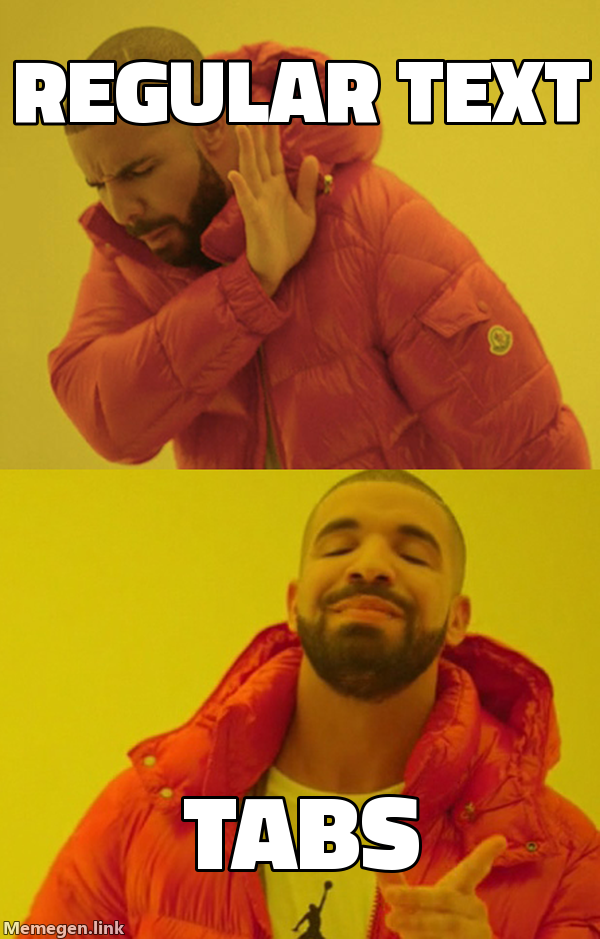
🎯 Tabs (Docusaurus, MkDocs)
Show multiple meme variations side-by-side:
=== "Greentext"
```text
>be me
>tabs are cool
```
=== "Corporate"
**Notice:** Tabs have been deemed acceptable for meme deployment.
=== "Image"
🚀 Production Tips
⚡ Performance
For text memes:
- Already optimal (it's just text!)
- No external dependencies
- Fast rendering
For image memes:
- Prefer
webpformat for 30-50% smaller files - Set consistent
?width=640for predictable layout - Consider lazy loading:
loading="lazy"on<img>tags - Cache memegen.link URLs (they're stable)
♿ Accessibility
Text memes:
- Already screen-reader friendly
- Use semantic HTML where appropriate
- Avoid ASCII art for critical information
Image memes:
- Always provide descriptive alt text
- Describe the joke, not just "meme image"
- Good:
![Drake rejecting documentation, approving memes] - Bad:
![funny meme]
🔍 SEO
Text memes:
- Search engines index text content
- Use semantic HTML for structure
- Don't hide important information in ASCII art
Image memes:
- Alt text provides indexable content
- Descriptive filenames help (though memegen URLs are generated)
- Consider adding captions below images for context
📚 Complete Blog Example
Here's a full blog post example mixing multiple meme formats:
---
title: "The Deployment Chronicles"
date: 2025-01-11
tags: [devops, humor, deployments]
---

# The Deployment Chronicles

## Pre-Deployment Anxiety

```text
>be me
>friday afternoon
>manager: "quick deploy?"
>mfw "quick" and "deploy" in same sentence
Narrator: It was not quick.
The Planning Phase
Decision Matrix

Status: We chose poorly.
During Deployment
[15:42] devops_bot: deployment started
[15:43] engineer1: looks good
[15:44] engineer2: why is prod slow
[15:45] system: ERROR: connection timeout
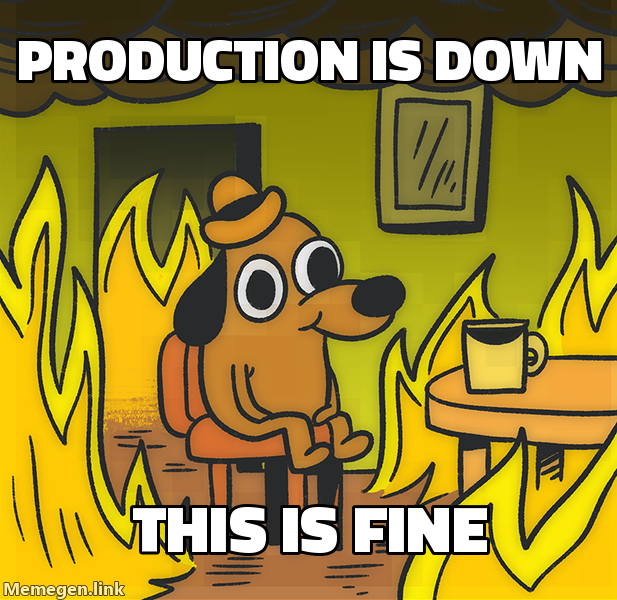
[15:46] engineer1: this is fine
[15:47] system: CRITICAL: database locked
[15:48] engineer1: THIS IS NOT FINE
Post-Mortem
Incident Report #2847
Issued to: Engineering Team Date: 2025-01-11 18:30 UTC Reason: Premature optimization of deployment strategy
Required Actions
- Never deploy on Friday again
- Actually read the deployment checklist
- Stop trusting "it works on my machine"
Consequences:
- Mandatory attendance at "Why Friday Deploys Are Bad" training
- Team pizza party (cancelled due to incident)
- Existential dread
This incident report has been automatically generated by the Department of Preventable Disasters.
Lessons Learned
me: let's deploy carefully next time also me next Friday: what could go wrong
Success Metrics
After fixing everything:
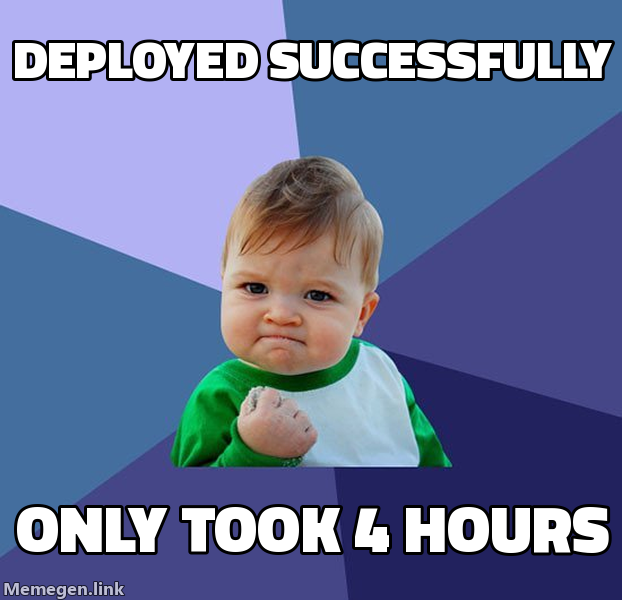
🎯 hitting targets (the target was "don't break prod permanently") ✨ manifesting ✨ (working deployments) 😅 lessons learned (until next time)
ELI5: What is a deployment?
A deployment is when you tell the computer to use your new code. Sometimes the computer listens. Sometimes the computer decides chaos is more fun. This is called "DevOps."
Follow-up: Why do deployments fail?
Because the computer has feelings and Friday afternoon hurts those feelings.
Conclusion
roses are red deploys cause pain test in production again and again
Want more deployment horror stories? Subscribe to our RSS feed of suffering.
---

## 🎓 Summary

This guide covered:

1. **Why Markdown** - Preserves formatting, accessible, version-controllable
2. **Core techniques** - Code fences, blockquotes, spacing, emphasis
3. **15 textual formats** - From greentext to corporate satire
4. **Image memes** - Using memegen.link URLs
5. **Mixing formats** - Strategic pacing and rhythm
6. **Advanced features** - CSS, admonitions, tabs
7. **Production tips** - Performance, accessibility, SEO
8. **Complete example** - Real-world blog post

**Key takeaways:**

- Text memes are fast, accessible, and version-controllable
- Image memes via URL require no uploads or storage
- Mix formats strategically for comedic pacing
- Always provide alt text for accessibility
- Use spacing and whitespace as a comedic tool
- Keep text concise for maximum impact

**Resources:**

- Memegen API: https://api.memegen.link/docs/
- Templates: https://api.memegen.link/templates/
- MkDocs Material: https://squidfunk.github.io/mkdocs-material/

---

*This guide is a living document. Contributions welcome.*